If you’re running out of storage space on your laptop or you need to back up your data or store that backlog of videos you’re going to edit one day (I am, I swear), an external hard drive can solve your problem. The trouble is, there are hundreds of drive options ranging from dirt cheap to crazy expensive, so how do you know which one is right for you? I’ve tested dozens, across operating systems and with different uses in mind, to find the best external hard drives for storage, backups, gaming, video editing, network-attached storage (NAS) devices, and more.
Check out our other guides, including How to Back Up and Move Your Photos Between Services, How to Back Up Your Digital Life, and How to Back Up Your iPhone. Updated July 2026: I've removed some discontinued drives and added the SanDisk G-Drive ArmorATD because, let’s face it, with SSD prices climbing, spinning drives are much more compelling than they were a year ago. I’ve also updated prices and links throughout.
Best for Backups The AI race and its attendant flurry of memory-hungry data centers are causing prices to skyrocket, with apparently no end in sight. Drives in this guide have tripled in price in the past six months. For example, 8-TB SSDs are selling for more than the price of a new MacBook Air, which itself has gone up $200 to help cover surging memory costs.
You know what data centers don’t seem to need, though? Spinning drives. While their prices have crept up some, these older drives remain affordable and are your best choice for backups anyway.
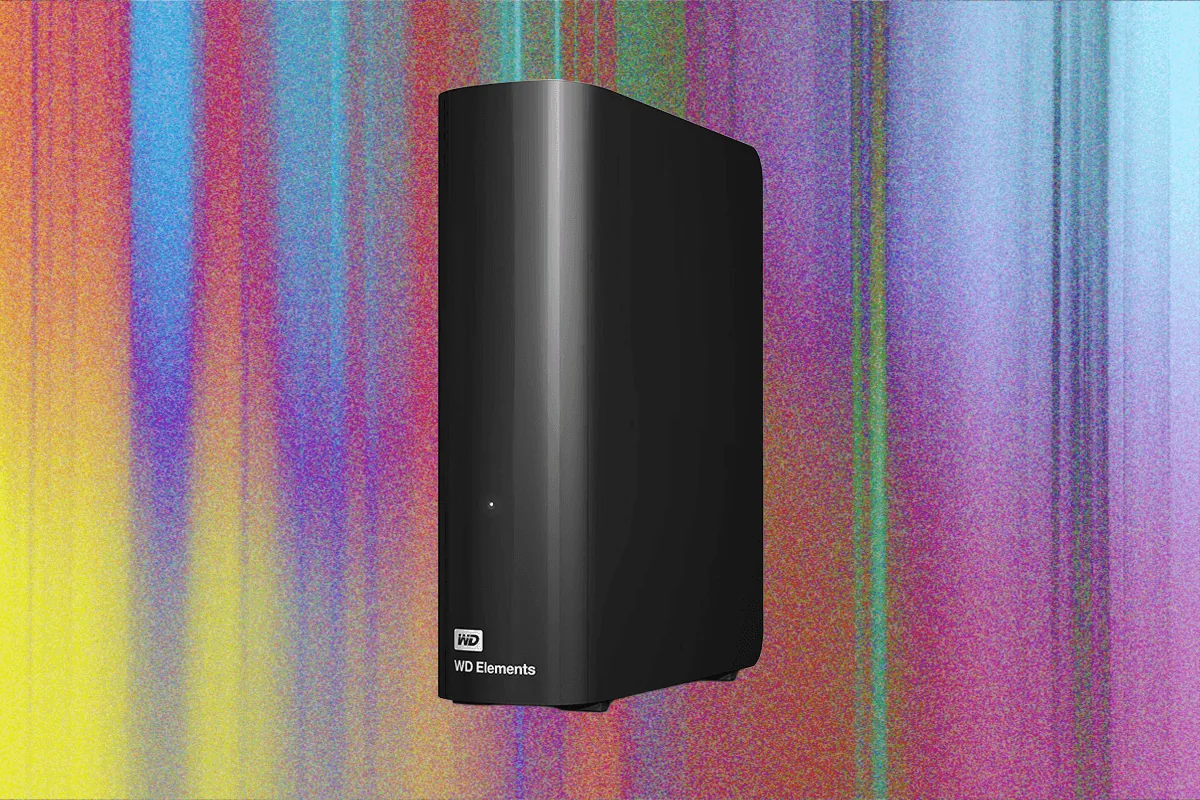
For incremental backups, which we recommend, speed isn’t a huge factor. I have been using a variation of the Elements desktop hard drive to make backups of my data for more than a decade. These drives are big and require external power, but they’re some of the cheapest and most reliable I’ve used.
Transfer speeds are not off the charts—the Elements drive I tested scored 120 megabytes per second (MB/s) for sequential writes on Windows—but again, you should ideally be running backups overnight, and even at these speeds the average PC backup will be done by morning. These drives use USB-C with support for USB 3, and I’ve had no problem using them with Windows, macOS, or Linux. Storage options go all the way up to 20 terabytes.
Just check the prices; sometimes you can get a 10- or even 12-TB drive for not much more than the 8-terabyte version. I have not seen a huge difference between the Elements line and the brand’s higher-end My Book drives, and the basic Elements drive is sufficient for most people. - Seagate Expansion 8-TB External Hard Drive for $280: Seagate is another reliable drive maker.
It never hurts to have more backups, and if you do want multiple backups, use drives from different brands, since it will reduce the chance that both fail simultaneously. Best for Portable Backups If you travel a lot, you’ll want something that’s easier to carry than an Elements drive, which isn’t the best for lugging around in a suitcase. For backups when traveling, I love Western Digital’s My Passport series, especially the new Ultra version, which uses a standard USB-C cord, eliminating the need to carry a separate cable.







Comentários (0)
Entre ou cadastre-se para comentar.